

Camera
You can share your camera during a call in Hopp.
Hide yourself
Section titled “Hide yourself”Hover over your tile and click the Hide yourself button in the bottom right. This hides your self-view while your camera keeps streaming to others. Click the button again to show your self-view.
Pin and unpin the camera window
Section titled “Pin and unpin the camera window”Pin the camera window to a small tile in the top-right corner of the screen. Pinning also hides your self-view.
Pin in either of two ways:
- Click the pin button in the top-right of the camera window.
- Press
Cmd+P(macOS) orCtrl+P(Windows / Linux).
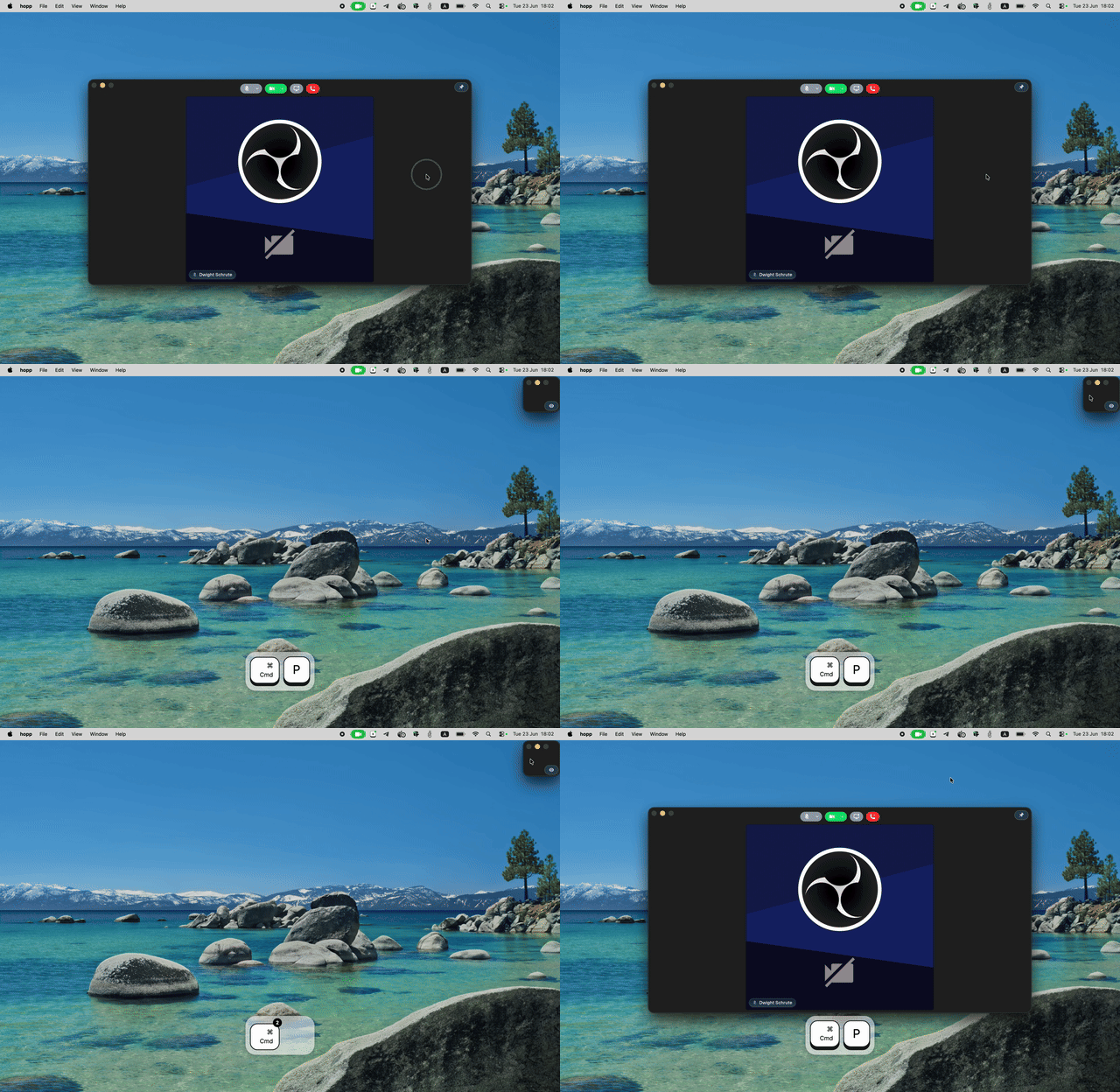
To unpin, resize the window or press Cmd+P / Ctrl+P again. The window returns to its centered size and the self-view is shown.